Quick start
What to do in the first five minutes, and what happens after that.
1. Pick a set
On first launch the app shows three explanation screens and offers a ready-made set of priorities.
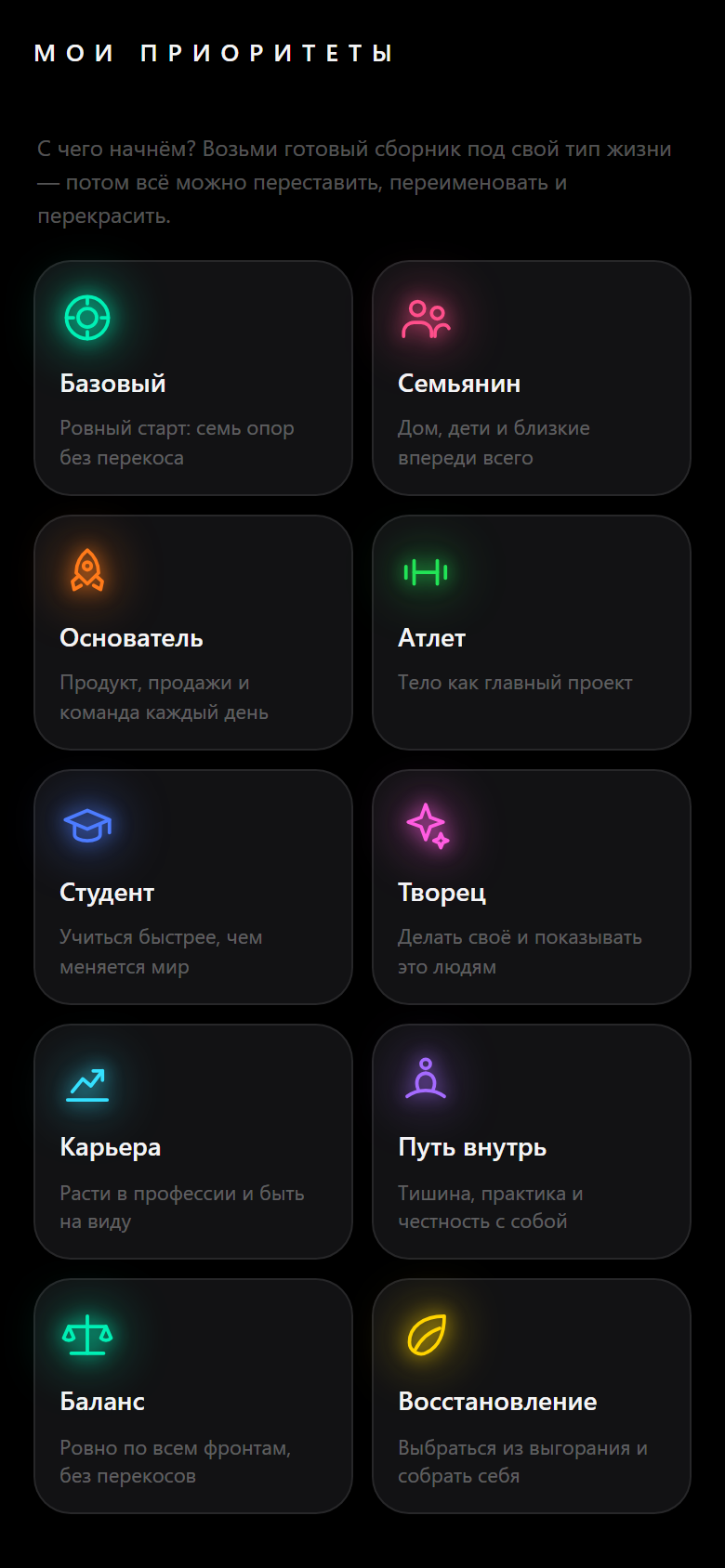
Take whichever is closest. The list can be reworked in full afterwards — order, names, colors, contents, all of it. There is no wrong choice here.
2. Mark what you already did today
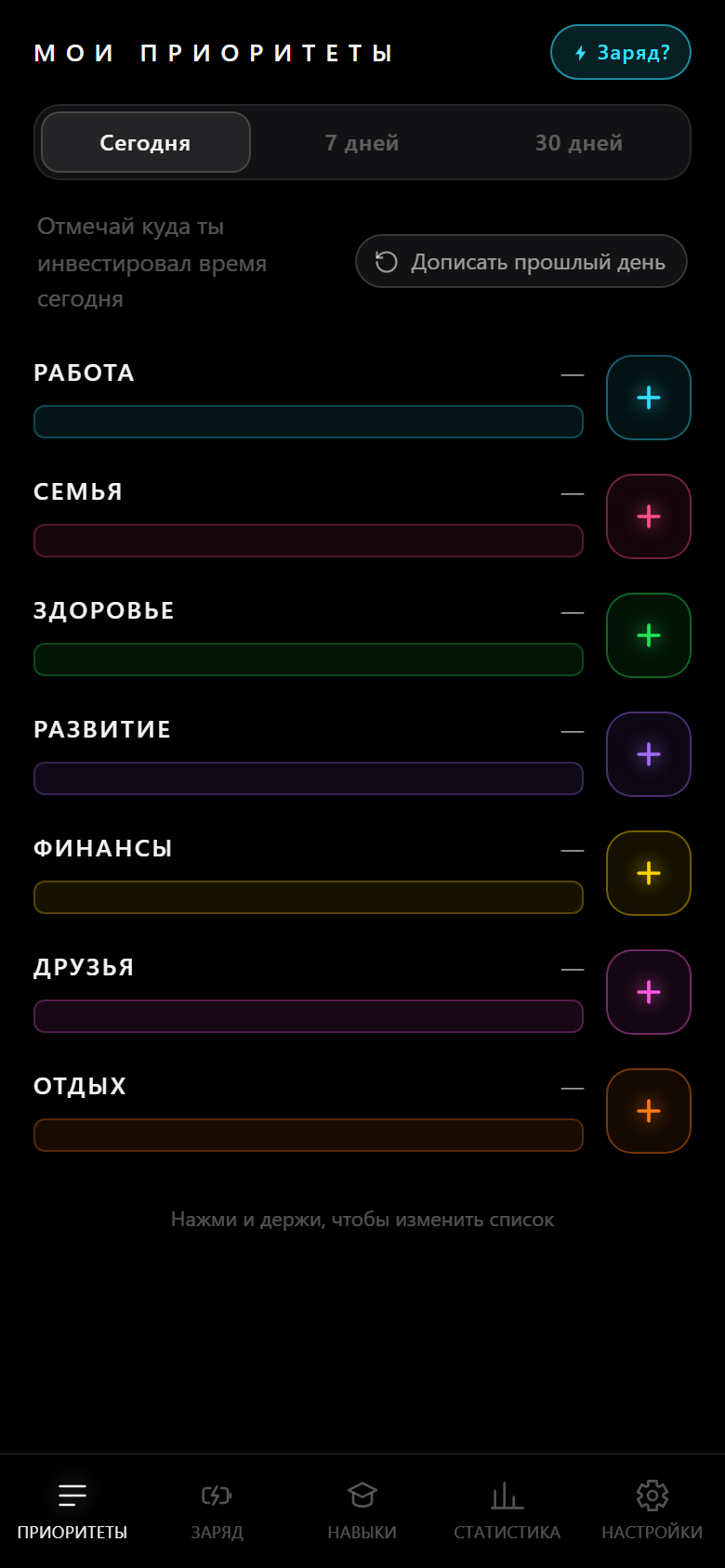
Tap “+” next to a direction. One tap is half an hour.
Do not count precisely. Mark in large chunks: two hours of work is four taps, and that is closer to the truth than trying to remember what happened between 14:20 and 14:50.
Overshot? Tap the row itself and fix the counter.
3. Mark how you feel
The battery is in the top right corner.
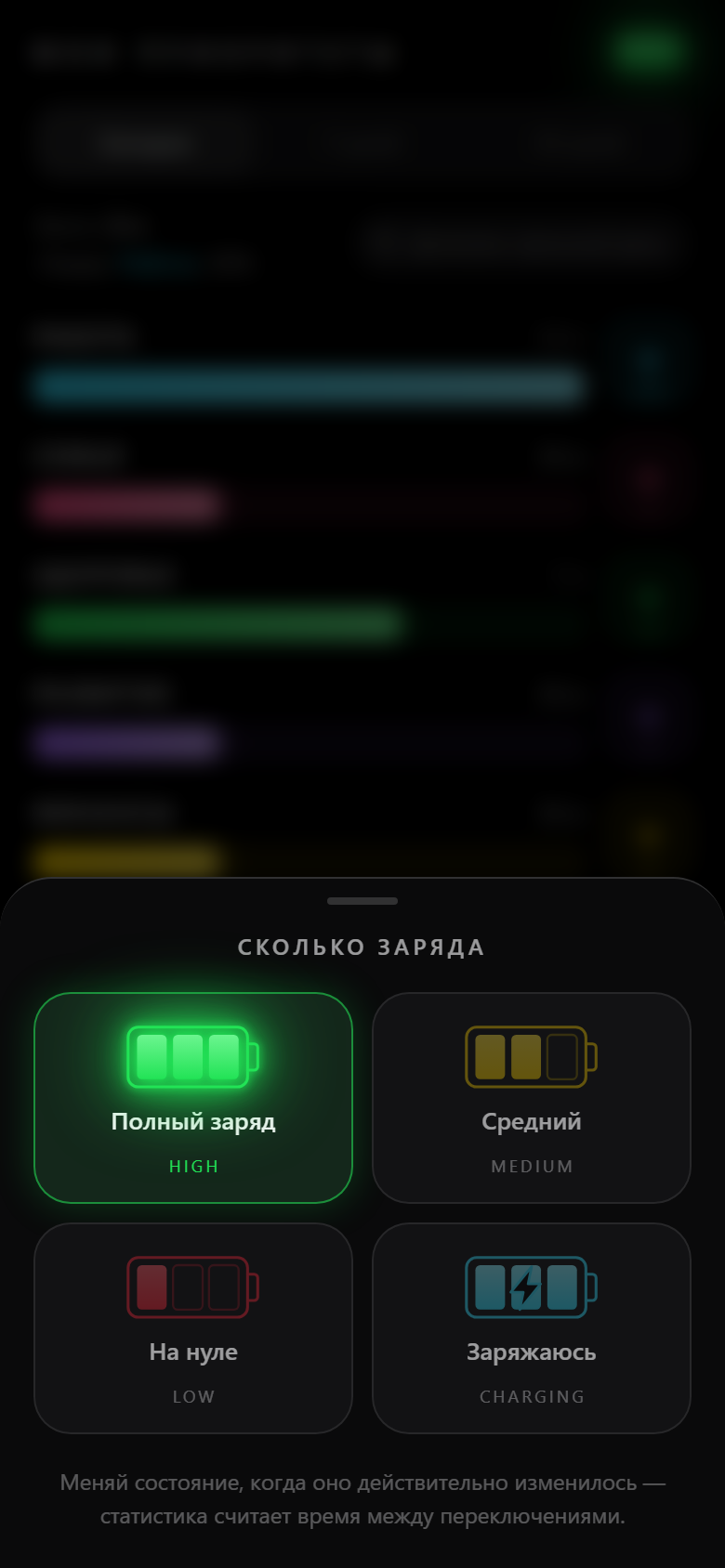
Mark the change, not the fact: the app counts the time between switches, so one tap in the morning describes the whole morning.
4. Come back once a day
That is all there is to it. A mark takes two touches, and by the next day the app already knows something about you.
Forgot to mark anything? Tap “Fill in an earlier day” and add it after the fact — the strip remembers two weeks.
What shows up over time
| When | What |
|---|---|
| From day two | Your streak and the per-day breakdown in the stats |
| After a week | The first observations and a full energy chart |
| After a month | Week-to-week comparison, weekdays against weekends, concentration |
| Along the way | Achievements — they start with the very first block |
What to set up once you settle in
- The price of a tap, if half an hour is not your unit. There are 15, 20, 25, 45 and 60 minutes too.
- Skills, if there is something you put years into. Type in the hours you have already collected — the ladder will not start at zero.
- Modules, if the extra tabs are in your way.
- The charge wallpaper, so your state is visible without opening the app.
- Language — the app picks it from Telegram or your browser, and the switch is the first thing on the settings screen.
What is worth doing once
Download a backup. Until you sign in with Telegram, the history sits on this device only and there is nowhere to restore it from. Takes half a minute.